How to Pay An Invoice
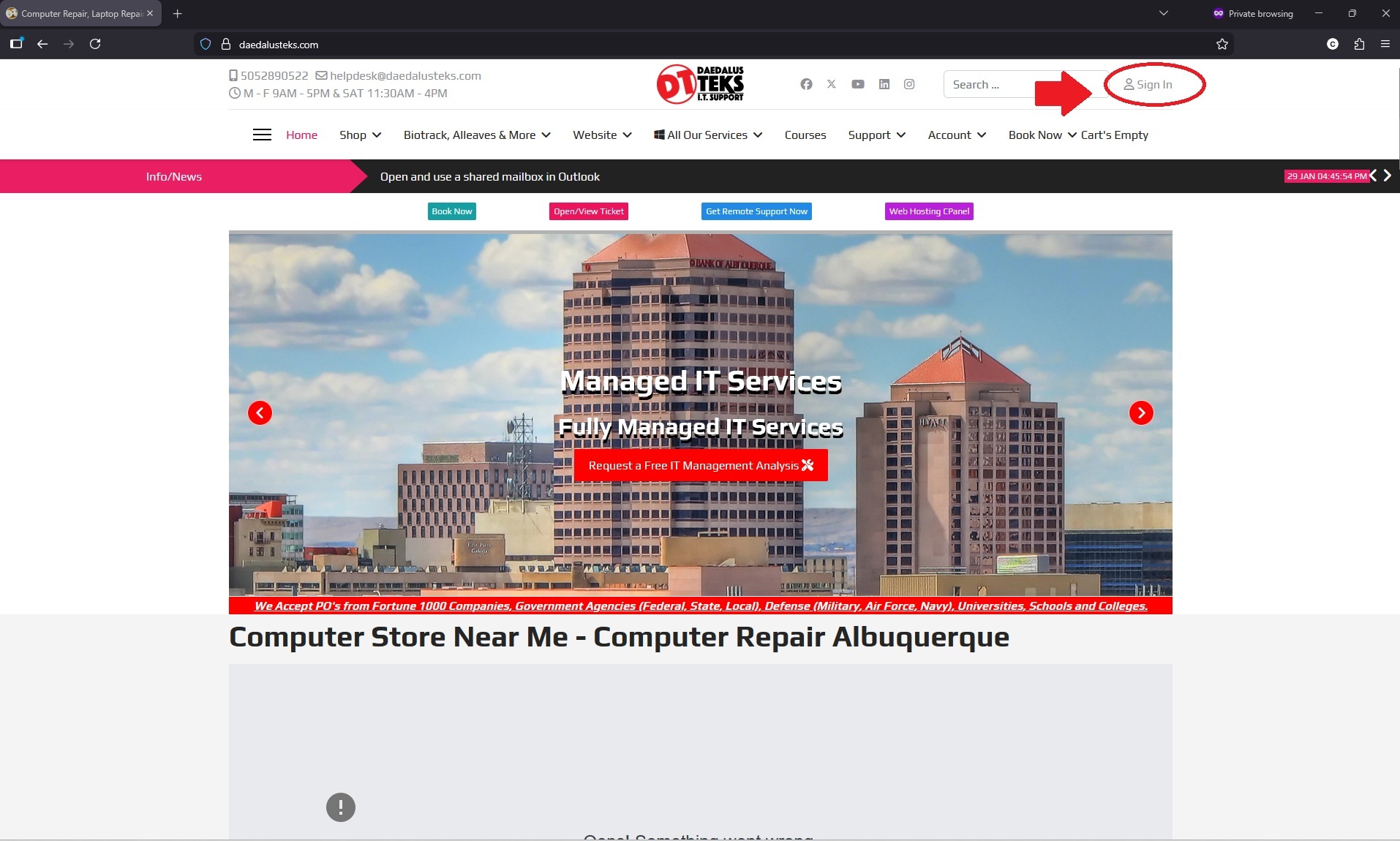
Sign In to Your Account/Create One
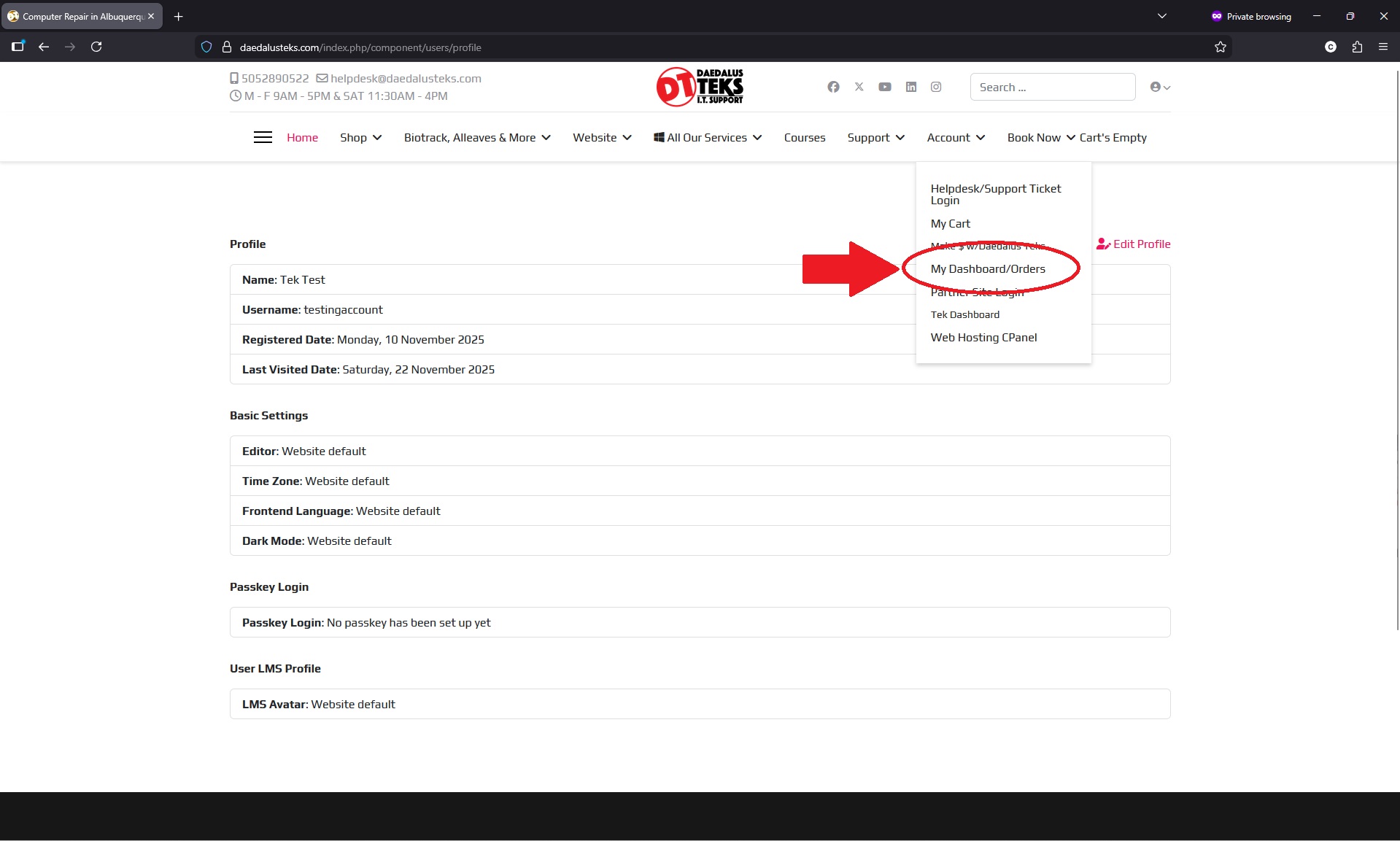
Click My Dashboard/Orders
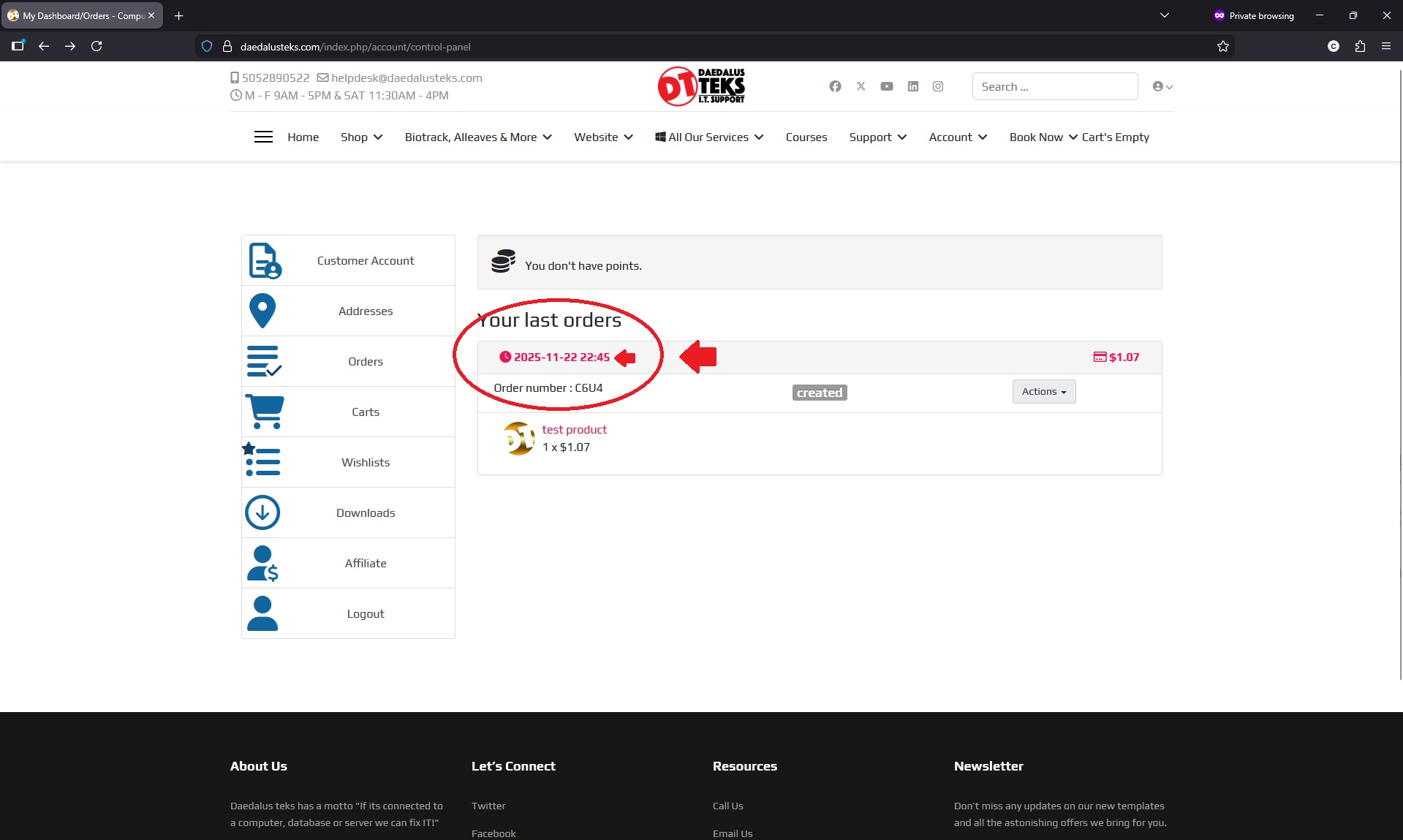
Click the Order
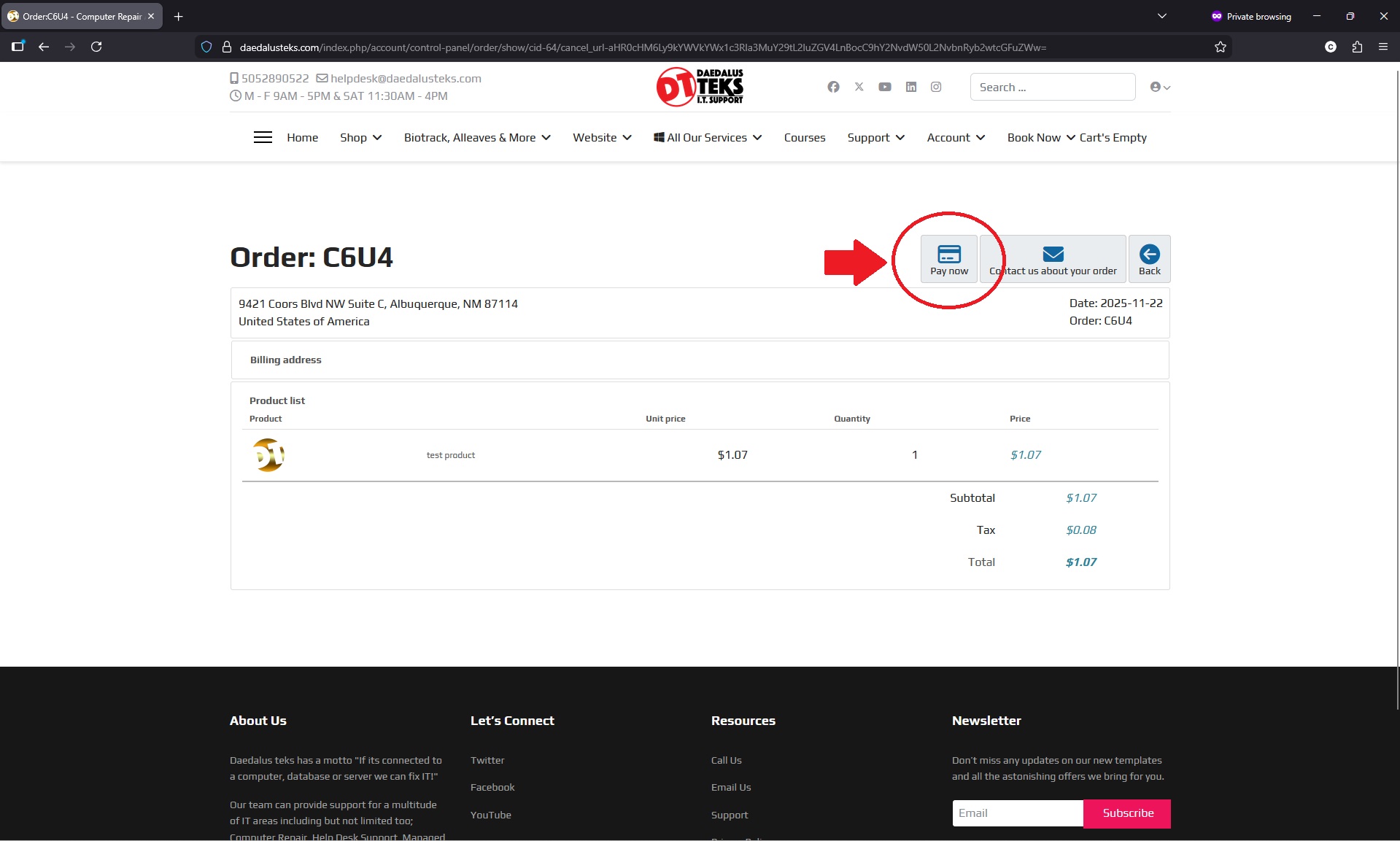
Click Pay Now
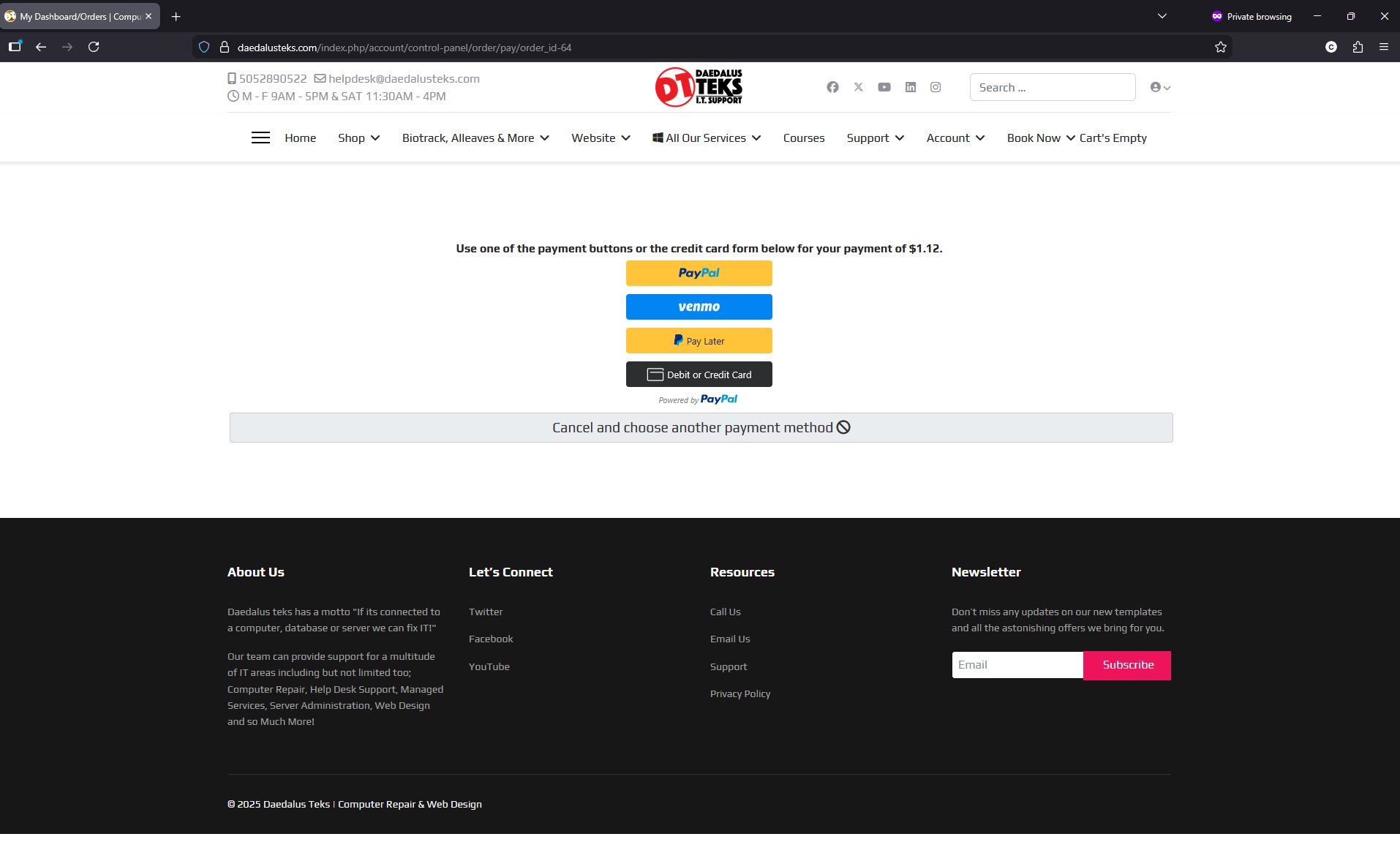
Select Payment Method
How to Pay an Online Invoice
- Click Sign In and Sign into Your Account
- Sign in or if You don't have an account. At the registration page, under “Join us!” enter your information, that you would like to use for this account, complete the CAPTCHA, and select Sign up. Those instructions will be below as well.
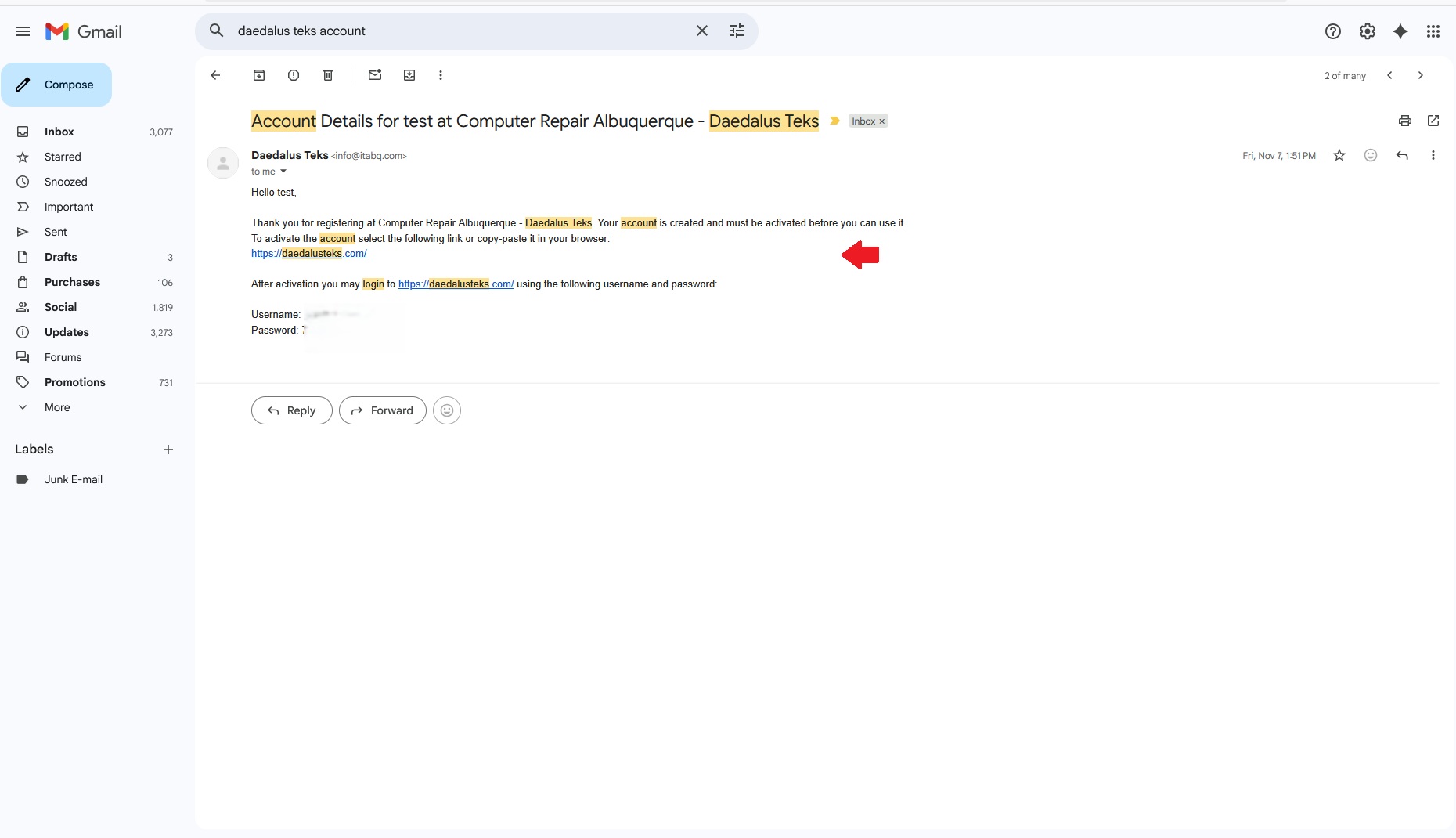
- An email with further instructions on how to complete your sign up has been sent to the email address you provided. Please check your email (including your spambox) to complete your sign up. To have the email sent again, simply try logging in with the username and password of your sign up.
- Once you click the link in your email you will be redirected to a page saying Your account is now active. You may now log in!
- Under account, click "My Dashboard/Orders"
- Click on the Order/Order Date in Question.
- Click Pay Now on the Top Right after clicking on the Order
- Select Your Payment Option and Once You Complete Payment You'll Get a Receipt and Confirmation.
Pay By Click Order # In Email
Easier Way to Pay
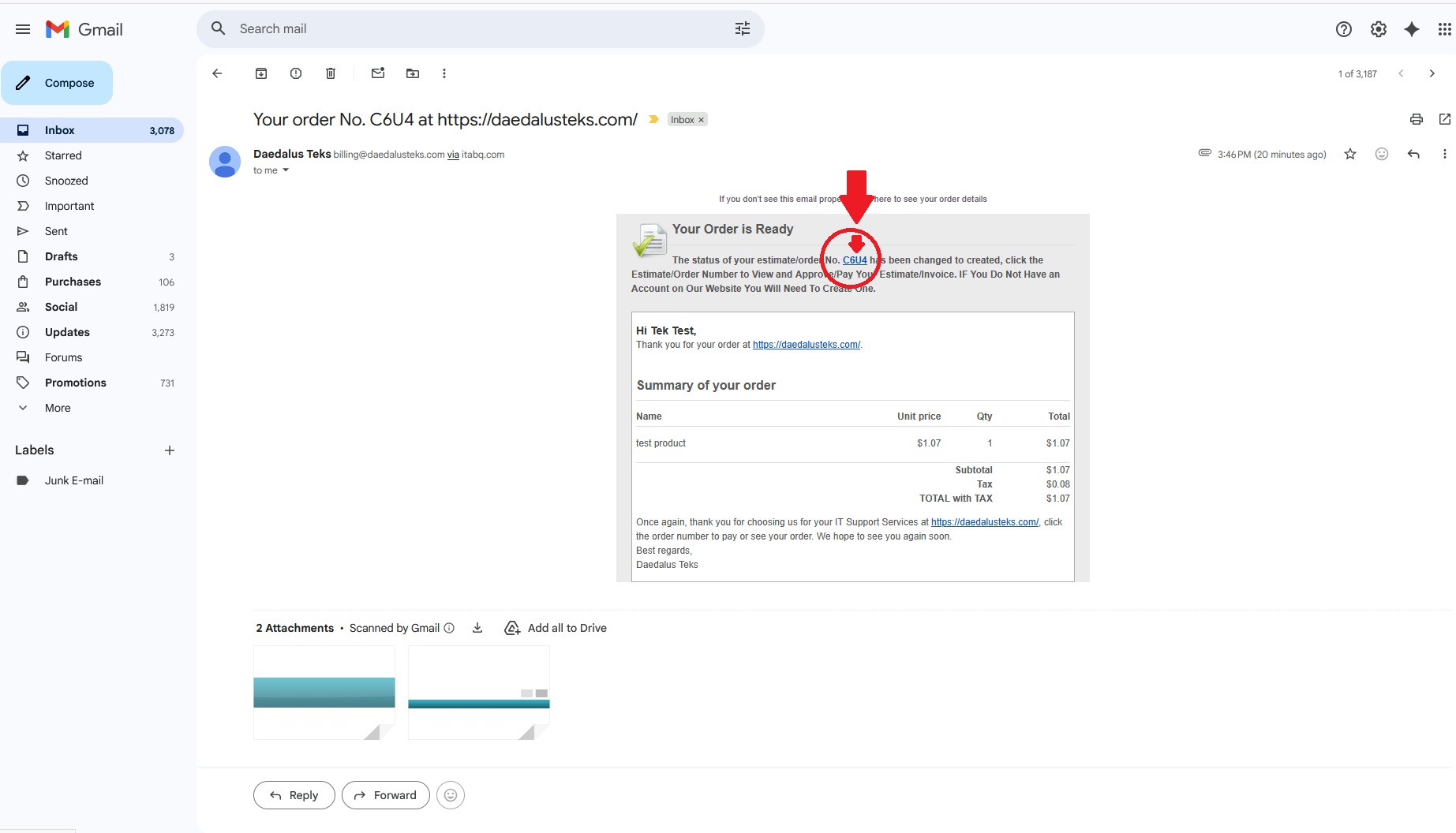
Once you are registered, you can pay easily by clicking the order number in your email.
- Just click the order number, then click pay now.
Sign Up to Sell
New Account Setup
Step 2
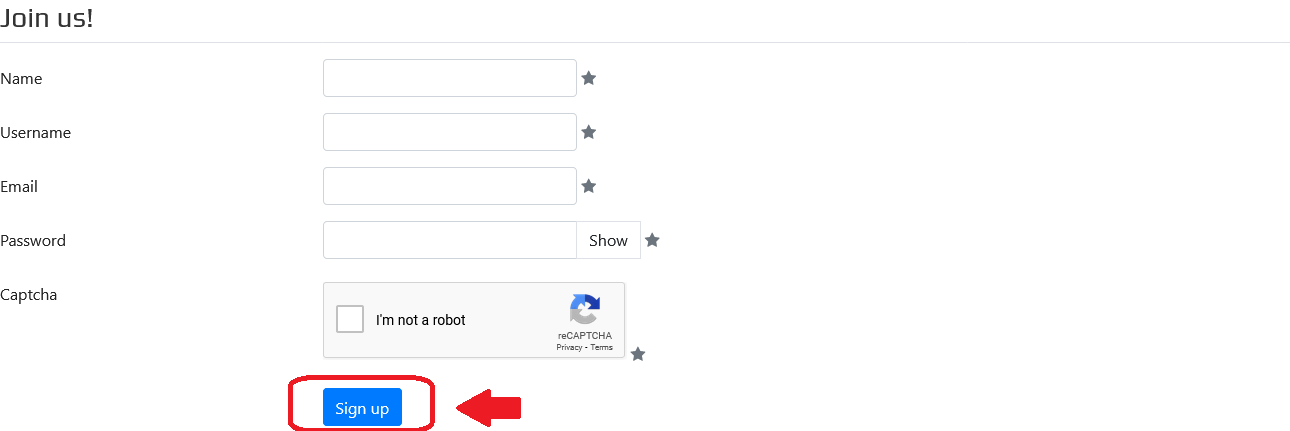
Click Signup
At the registration page, under “Join us!” enter your information, complete the CAPTCHA.
Verification
Verfication email
After clicking sign up you will be prompted with a dialog informing you that there is a verification link in an email sent to you. Please check your inbox and junk/spam folder if its not in the inbox.