
[UA] Add, edit, and delete users and user groups
Manage the list of users who have access to your Analytics account.
This article is about adding, editing, and deleting users and groups in Universal Analytics. See the following resources for similar information related to Google Analytics 4:
- For information about adding, editing, and deleting users and groups in Google Analytics 4, go to [GA4] Add, edit, and delete Analytics users and user groups.
- For information about managing access and data restrictions in Google Analytics 4, go to [GA4] Access and data-restriction management.
- For information about migrating your Universal Analytics users to your Google Analytics 4 property, go to [UA→GA4] User migration tool.
Deleting users and user groups does not delete personally identifiable information (PII). Learn more about deleting data.
You can add users at the account, property, or view level. The level at which you add a user determines that user's initial access. For example, if you add a user at the account level, then that user also has access to all the properties and views in the account, with the same set of permissions. If you add a user at the view level, then the user has access to only that view with the permissions you provide. You can change the level of access and permissions for a user at any time. (Learn more about permissions.)
Transfer Google Business Profile Ownership
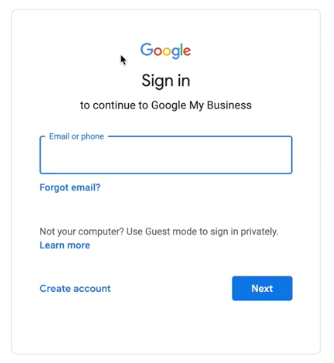
Sign in to the Google Account you will use to manage the Google Business Profile account.
Subcategories
Public FAQ
This is the FAQ for everyone
Vendor FAQs
Frequently Asked Questions related to Daedalus Teks vendor program.
Google FAQ's
FAQ's related to Google's Services and Platforms
Microsoft Office
Microsoft Office FAQ's, How To's and More from Daedalus Teks.